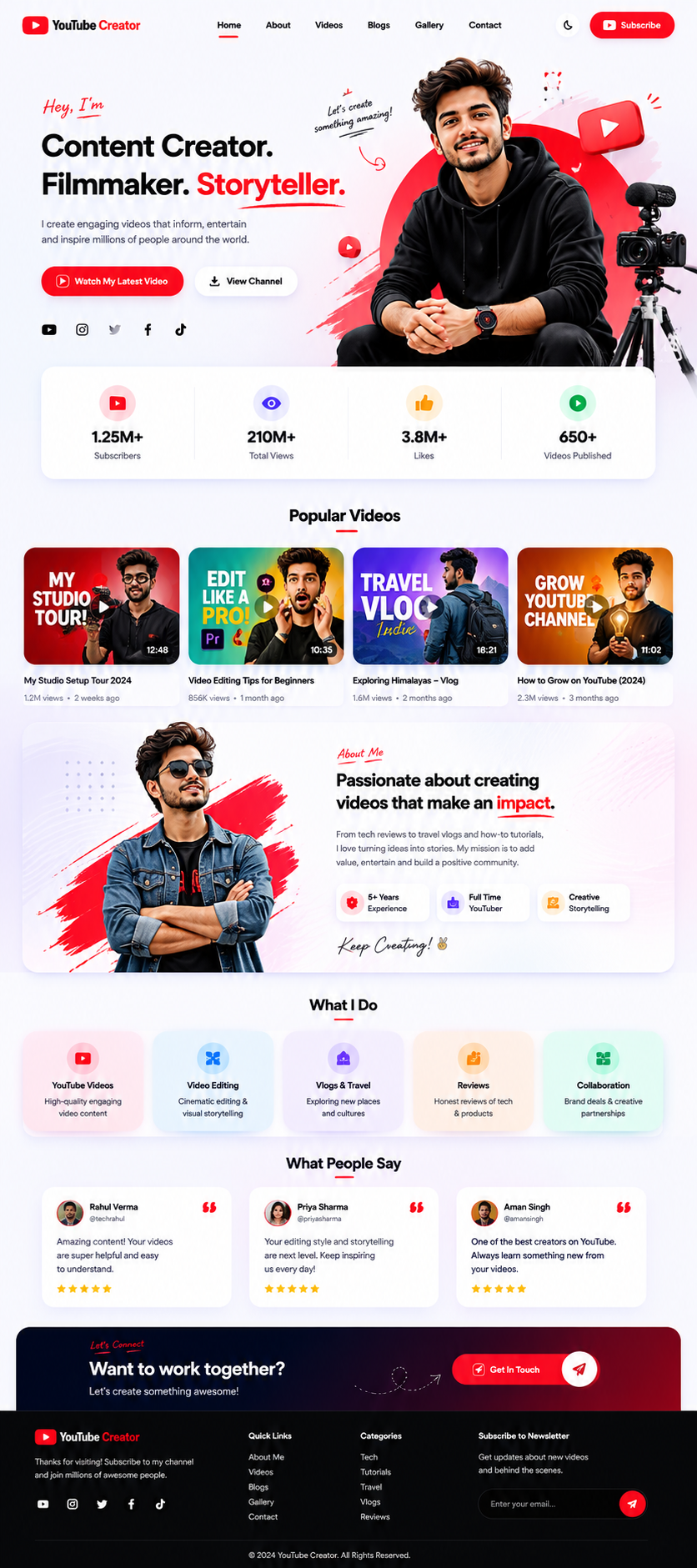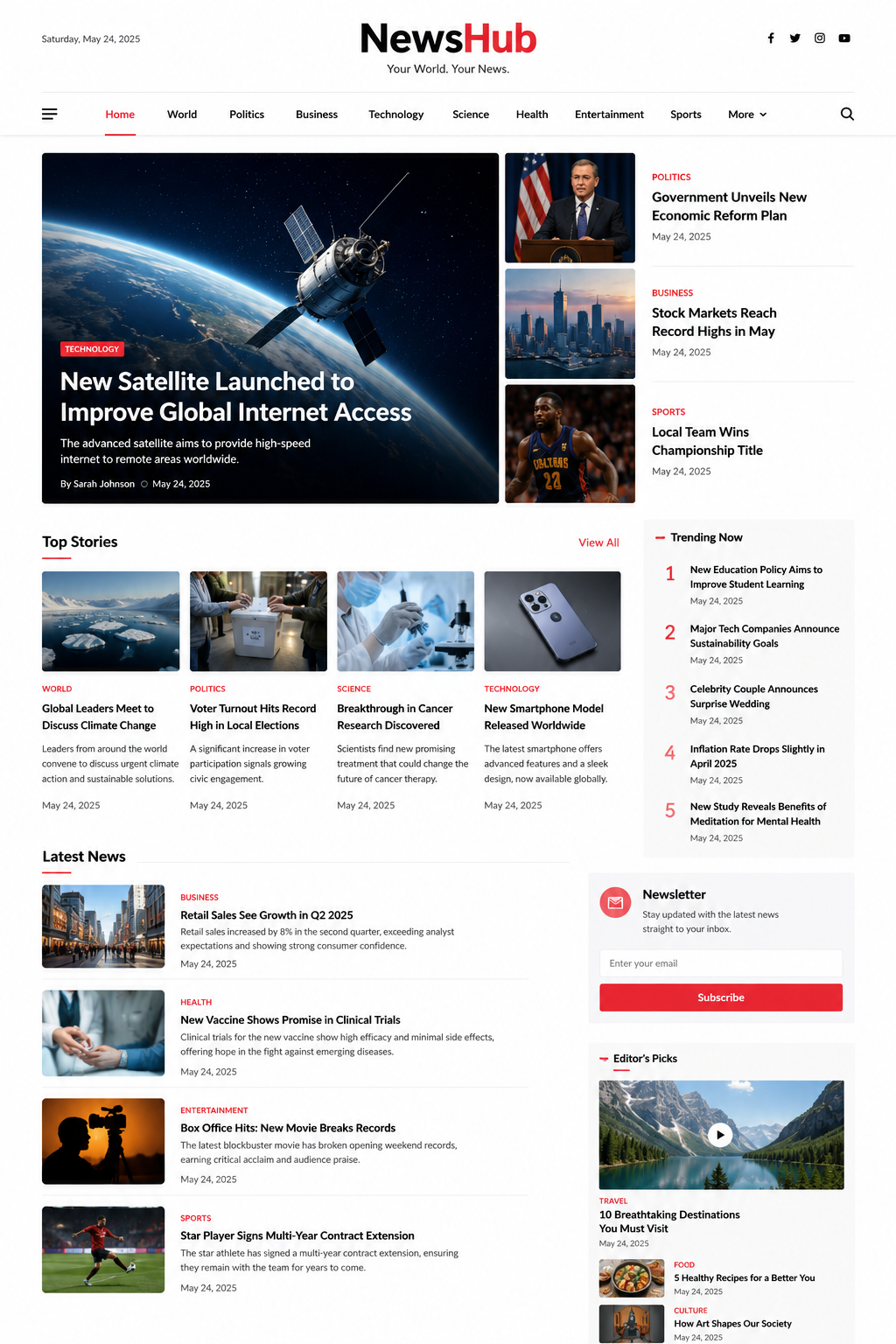
Getting your business online doesn't have to take weeks or cost a fortune. With the right template and a few simple steps, you can have a professional website live in 60 minutes — without any coding..
Step 1 — Choose a Template
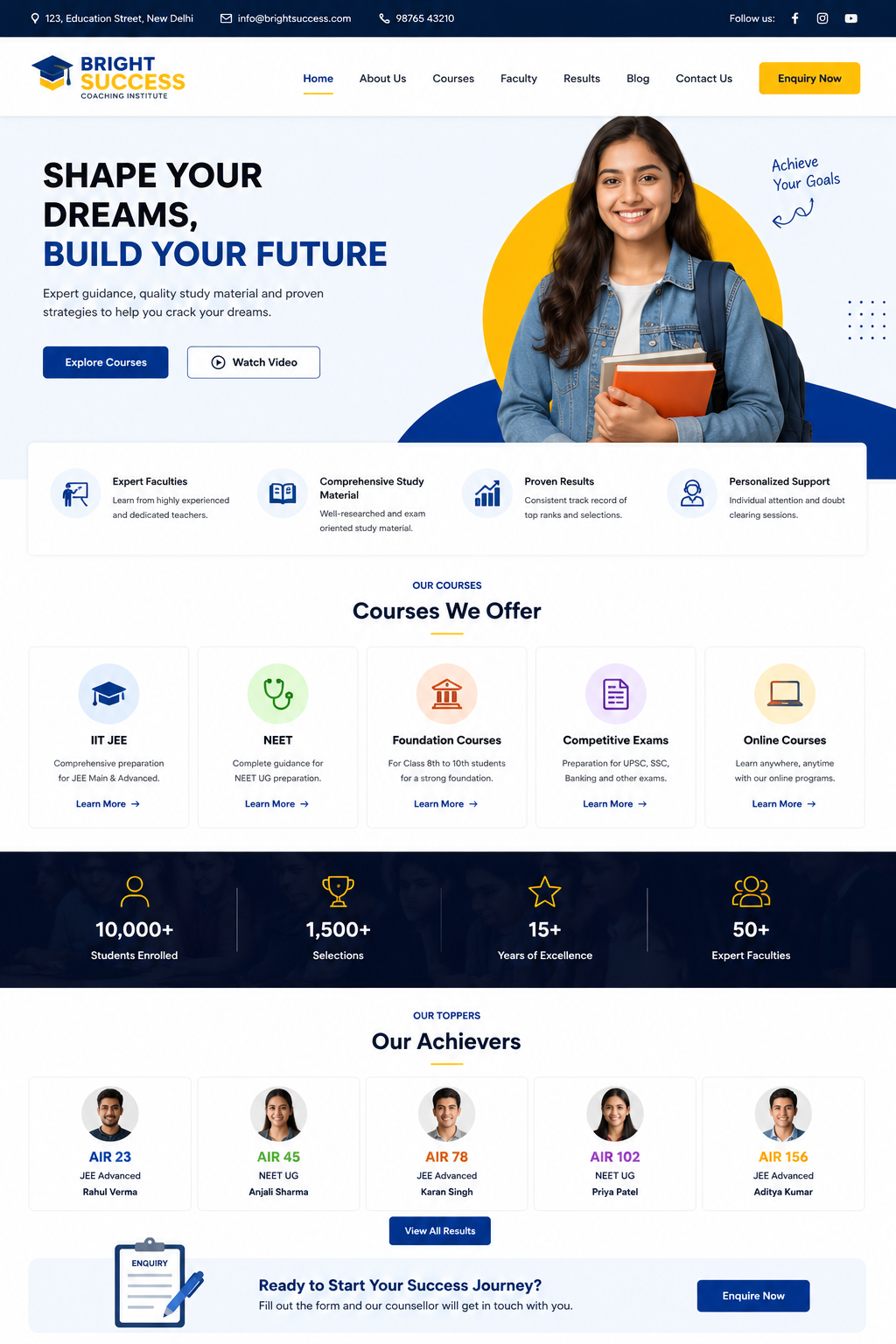
Choose a template according to your business type. There are ready templates for news portals on Arattae, coaching institutes, YouTube creators and freelance portfolios.
Step 2 — Customise the Content
Open the HTML file in any text editor (VS Code is best) and replace your content. Change the logo name, hero headline, about section, and contact details — everything.
"The very first rule: make your website live — perfection will come later."
Step 3 — Add Images
images/ Keep your photos or screenshots in a folder. Try to keep the file size under 300KB — the website will load faster.
Step 4 — Go Live on Free Hosting
Upload your files on these platforms — all are free:
- GitHub Pages — free, fast, and reliable
- Netlify — drag and drop deployment in seconds
- Vercel — perfect for portfolio sites
What to Do After Going Live?
As soon as the website goes live, share the link on WhatsApp, Instagram and Google Business. Add the website URL to your business card. Start collecting leads through the contact form.
Creating a website is just the beginning — keep updating content and let customers come to you on their own.